Best Budget 3D Printer in 2026: 3 Options That Actually Deliver
Buying your first 3D printer is confusing. There are hundreds of options, the specs mean nothing until you’ve used one, and every YouTube video seems to recommend something different.
Here’s what I’ve learned after years of printing and running a community of thousands of 3D printing enthusiasts: most beginners spend too much, or they spend too little and end up frustrated.
The sweet spot is a well-supported, reliable machine in the £150 to £300 range. Something that prints well out of the box, has a large community behind it when things go wrong, and doesn’t require an engineering degree to set up.
These are the three I’d point any beginner toward right now.
1. Elegoo Neptune 4 Pro: Best All-Rounder
If someone asks me what to buy and I can only give one answer, this is it right now.
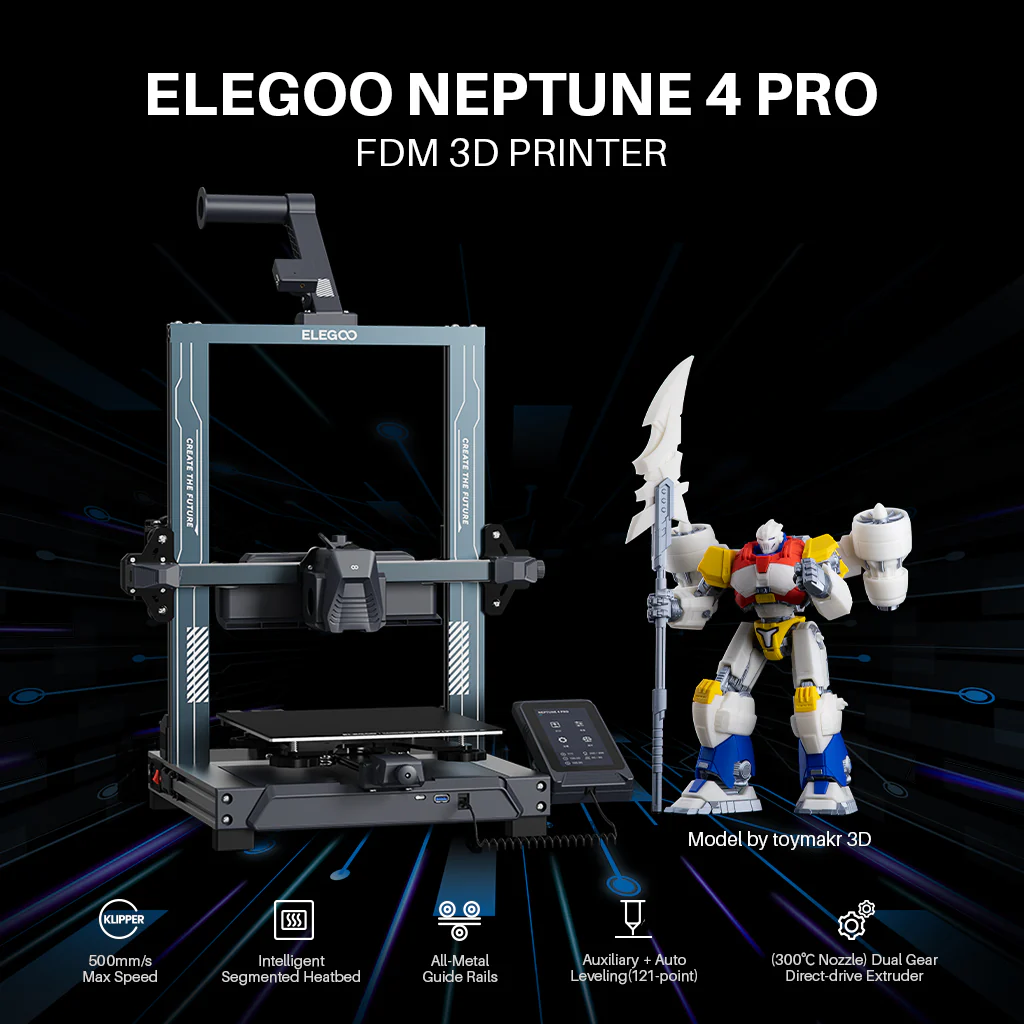
The Neptune 4 Pro is fast, reliable, and well-supported. The community around it is massive, which matters more than most people realise when you’re starting out. When something goes wrong, and something always goes wrong eventually, you want thousands of people who’ve already solved your exact problem.
It prints at speeds that would have been considered high-end two years ago, and it does it consistently. The build volume is generous for the price, the bed levelling is largely automatic, and the slicer support is excellent.
This is the printer I’d hand to someone on day one and feel confident they’d still be using six months later.
Check the latest price on the Elegoo Neptune 4 Pro
2. Anycubic Kobra 2 Neo: Best for Pure Beginners
If the Neptune 4 Pro is the all-rounder, the Kobra 2 Neo is the one I’d recommend to someone who is genuinely starting from zero and wants the smoothest possible first experience.
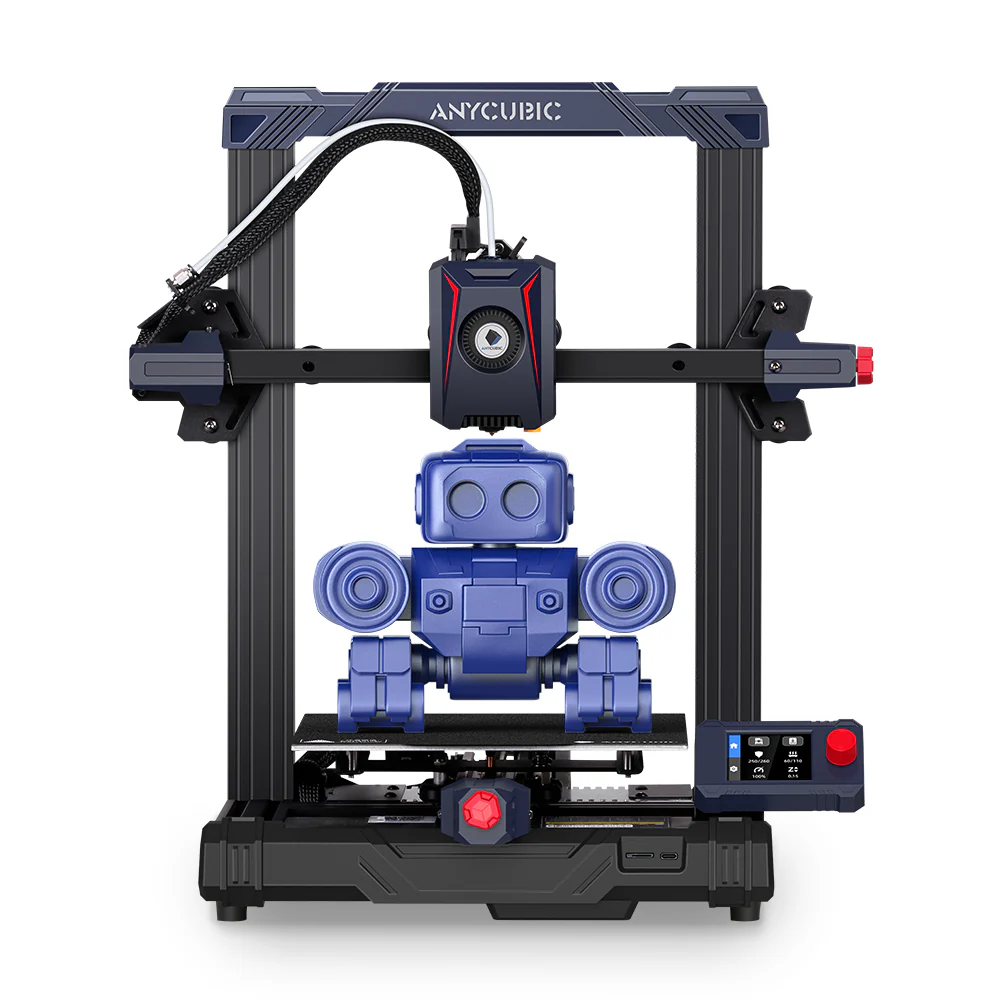
Setup is minimal. The automatic bed levelling works well. The print quality for the price is genuinely impressive, and Anycubic’s support has improved significantly over the last couple of years.
It is slightly slower than the Neptune 4 Pro and the community is a little smaller, but for someone who just wants to plug it in and start printing without a steep learning curve, it’s hard to beat.
Check the latest price on the Anycubic Kobra 2 Neo
3. Creality Ender 3 V3 SE: Best If You Want to Learn How It All Works
The Ender 3 is the printer that taught a generation of makers how 3D printing actually works. The V3 SE is the latest version and it’s genuinely good, but I’d recommend it for a slightly different reason than the other two.
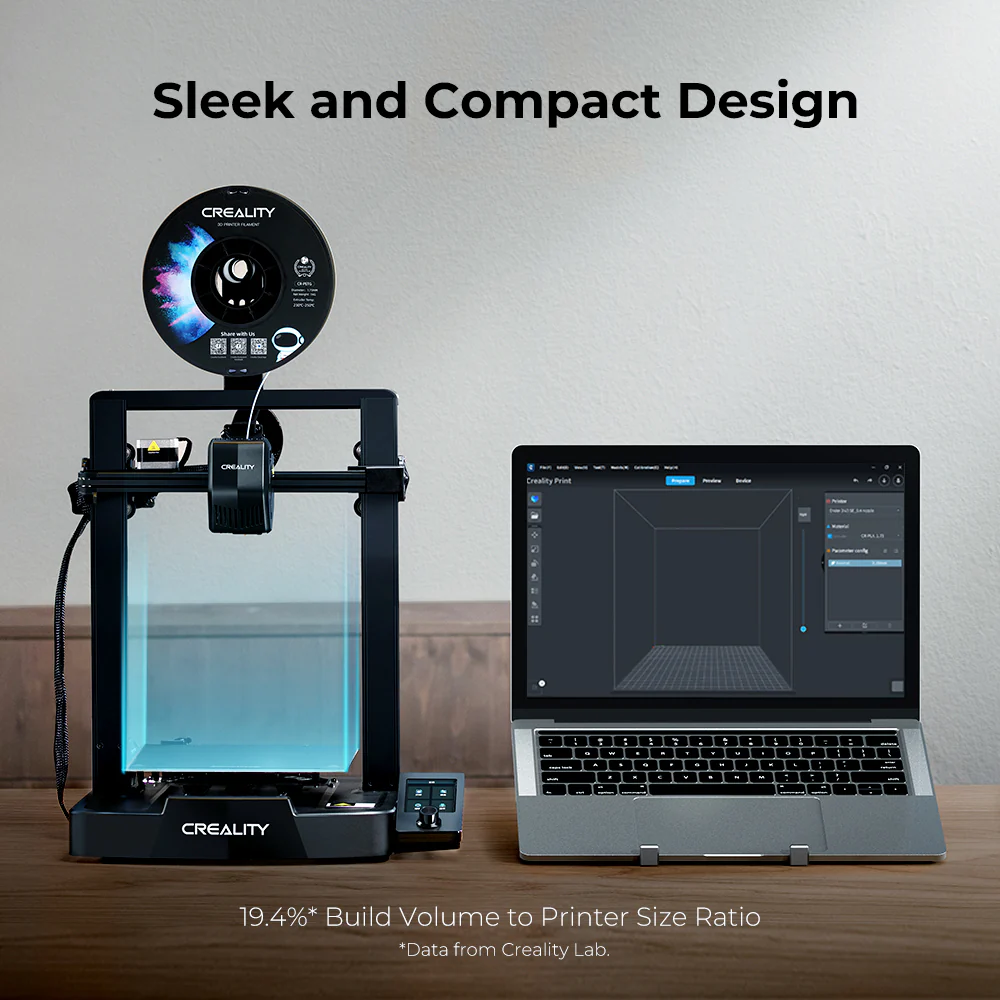
If you want to understand your printer, tinker with it, modify it, and really dig into the hobby rather than just produce prints, the Ender 3 ecosystem is unmatched. There are more mods, more guides, more community resources for this machine than anything else on the market.
It requires slightly more hands-on setup than the other two, and that’s intentional. If that sounds like a headache, go with one of the options above. If that sounds like half the fun, this is your printer.
Check the latest price on the Creality Ender 3 V3 SE
What About Filament?
Whichever printer you choose, you’ll need filament. PLA is where every beginner should start. It’s the easiest material to print, it works with all three printers above, and it comes in every colour imaginable.
I use and recommend eSUN PLA+ for beginners. It’s consistent, affordable, and I’ve never had a bad batch. It’s the filament I point people toward in our community when they ask what to buy first.
Check the latest price on eSUN PLA+
Which One Should You Actually Buy?
If you want my honest answer: start with the Elegoo Neptune 4 Pro unless your budget is tight, in which case the Anycubic Kobra 2 Neo is an excellent alternative. Only go for the Ender 3 if you specifically want the tinkering experience.
All three will print well. All three have strong communities. None of them will let you down if you treat them reasonably.
The best printer is the one you actually use. Pick one and get started.
Got questions about any of these? Drop them in the comments and I’ll answer personally. And if you want to see what people are printing with machines like these every day, come and join the iLove3DPrinting community on Facebook. It’s free, it’s friendly, and nobody will make you feel stupid for asking a beginner question.
Join the iLove3DPrinting Facebook Community
This page contains affiliate links and I earn a commission if you make a purchase through one of the links, at no cost to you. As an Amazon Associate I earn from qualifying purchases.